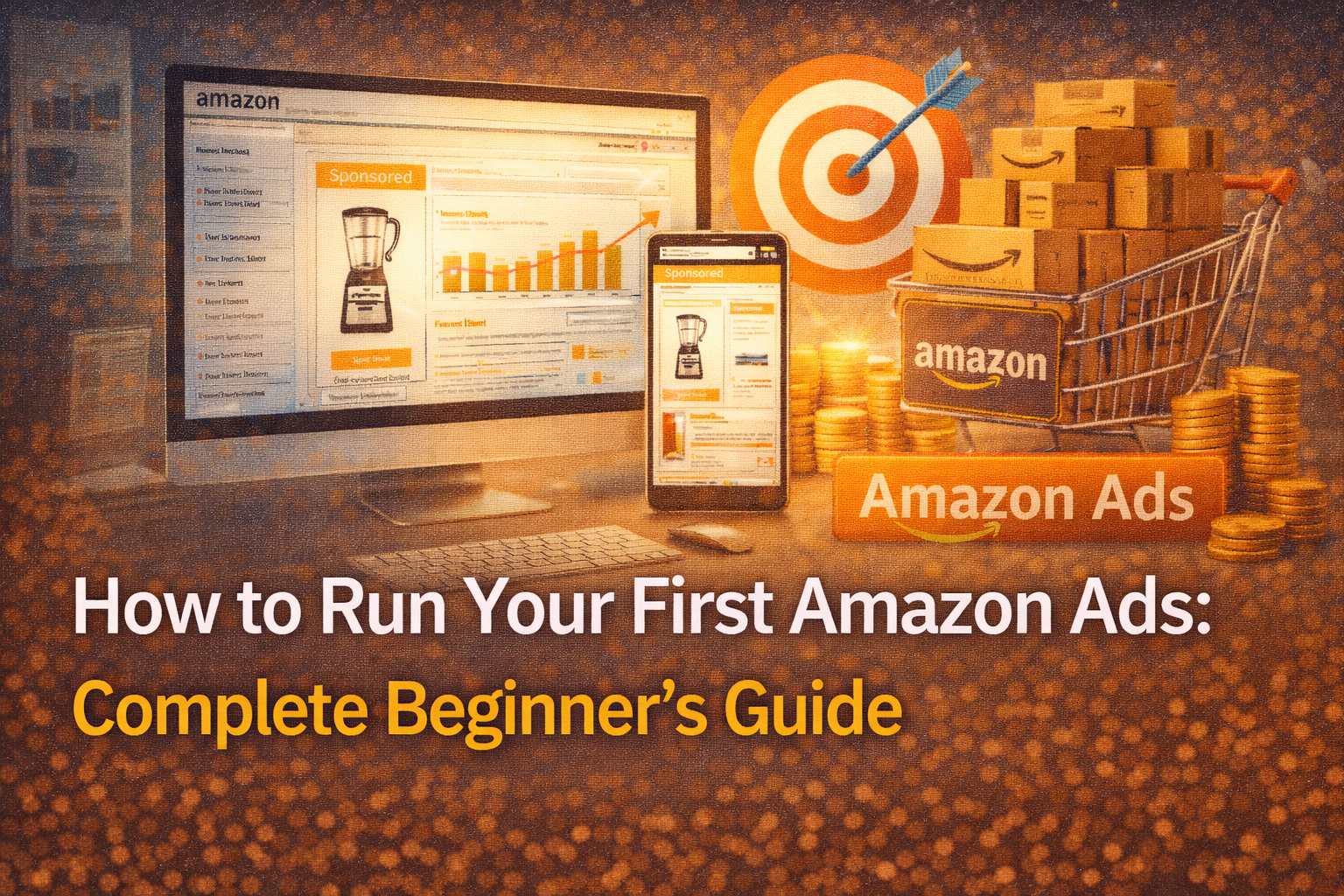
How to Run Your First Amazon Ads Complete Beginner's Guide
Before You Start: The Golden Rule
Build a solid foundation first, then drive traffic.
How to Run Your First Amazon Ads: Complete Beginner’s Guide. If your product listing isn’t optimized, even the best ads will waste your money. Your product must be ready to convert before you spend a single rupee on advertising.
Phase 1: Pre-Launch Checklist (Do NOT Skip This!)
1. Optimize Your Product Listing
Your listing is your salesperson. It must convince customers to buy .
| Element | What to Do |
| Title | Include core keywords, brand, size, color. Format: [Main Keyword] + [Brand] + [Key Features] + [Size/Pack] |
| Bullet Points | Highlight 5 key benefits. Focus on “what’s in it for the customer” |
| Description | Tell a story. Use HTML formatting (bold, line breaks) for readability |
| Backend Keywords | Add synonyms, misspellings, related terms (not visible to customers) |
| A+ Content | If brand registered, use enhanced content with images and comparison charts |
2. High-Quality Images Are Non-Negotiable
Amazon is a visual platform. Your images must :
- Have a pure white background for the main image (RGB 255,255,255)
- Show the product from multiple angles
- Include infographics highlighting features
- Show the product in use (lifestyle images)
- Follow Amazon’s image requirements (at least 1000 pixels on longest side for zoom)
Pro Tip: Use tools like Promeo or Canva to create professional-looking images with AI-generated backgrounds if you don’t have a photography studio .
3. Pricing and Offers
New products need an edge :
- Price slightly below competitors (you can increase later)
- Run a coupon (10-20% off) — the green “Save” tag attracts clicks
- Consider “Buy One Get One” or bundle offers for perceived value
4. Get Your First Reviews
Zero reviews = low conversion = wasted ad spend .
The Solution: Enroll in Amazon VINE Program (formerly VINE Voice) immediately upon launch. You’ll give away free units to trusted reviewers in exchange for honest reviews. This is the safest, most effective way to get 10-30 quality reviews quickly.
5. Stock Up!
Nothing kills momentum like going out of stock during an ad campaign . Amazon punishes out-of-stock products by reducing ranking. Have at least 30-60 days of inventory in Amazon’s warehouses before launching ads.
Phase 2: Understanding Amazon PPC Basics
What is Amazon PPC?
PPC stands for Pay-Per-Click. You only pay when someone clicks your ad, not when it’s shown .
Types of Amazon Ads
| Ad Type | Best For | Eligibility |
| Sponsored Products | Promoting individual products | All professional sellers |
| Sponsored Brands | Building brand awareness, showing multiple products | Brand Registry required |
| Sponsored Display | Retargeting customers who viewed your product | Brand Registry required |
For your FIRST campaign: Start with Sponsored Products only. They’re simplest and most effective for beginners .
Key Terminology You MUST Know
| Term | Meaning | Formula |
| Impressions | Number of times your ad was shown | – |
| Clicks | Number of times shoppers clicked your ad | – |
| CTR (Click-Through Rate) | % of impressions that became clicks | (Clicks ÷ Impressions) × 100 |
| CPC (Cost-Per-Click) | Average amount you pay per click | Total Spend ÷ Clicks |
| ACoS (Advertising Cost of Sale) | % of sales spent on ads | (Ad Spend ÷ Ad Revenue) × 100 |
| RoAS (Return on Ad Spend) | Revenue per rupee spent | Ad Revenue ÷ Ad Spend |
Healthy Benchmarks for Beginners :
- CTR: 0.35% – 0.50% (anything above is great)
- ACoS: 15% – 30% (for new products, higher is okay initially)
- CPC: Varies by category ($0.50 – $2.00+)
Phase 3: Keyword Research — The Foundation of Success
How to Find Keywords
Method 1: Reverse ASIN Lookup (Most Effective)
Use tools like SellerSprite, Jungle Scout, or Helium 10 to “reverse engineer” successful competitors:
- Find 3-5 best-selling competitors in your niche
- Enter their ASINs into keyword tools
- Extract ALL keywords they rank for
- Separate into:
- High-volume head terms (e.g., “water bottle”)
- Mid-volume core terms (e.g., “stainless steel water bottle”)
- Long-tail specific terms (e.g., “32oz insulated water bottle with straw”)
Method 2: Amazon Search Bar
Type your core keyword into Amazon search and note all autocomplete suggestions. These are real customer searches.
Method 3: Competitor Listings
Manually review top 10 competitor listings. What keywords appear in their titles and bullet points?
Keyword Match Types
| Match Type | Example | Shows For | Reach | Relevance |
| Broad | “women hats” | “ladies headwear”, “caps for women” | Widest | Lowest |
| Phrase | “wool winter hats” | “red wool winter hats”, “wool winter hats for women” | Medium | Medium |
| Exact | [men beanie] | Exactly “men beanie” | Narrowest | Highest |
Beginner Strategy: Start with Broad + Phrase for discovery, move winners to Exact later.
Phase 4: Setting Up Your First Campaign (Step-by-Step)
Step 1: Access Campaign Manager
- Log in to Seller Central
- Hover over Advertising tab
- Click Campaign Manager
Step 2: Create Your First Campaign
| Field | Recommended Setting for Beginners |
| Campaign Type | Sponsored Products |
| Campaign Name | Format: [Product SKU] – [Auto/Manual] – [Date] (e.g., “WBT01-Auto-032026”) |
| Start Date | Today |
| End Date | No end date (you can pause anytime) |
| Daily Budget | Start with ₹500-1000 ($6-12 USD) minimum |
| Targeting | Start with Automatic targeting for first 2 weeks |
Step 3: Choose Targeting Type
For Your First 2 Weeks: AUTOMATIC CAMPAIGN
Let Amazon’s algorithm learn. It will show your ads for:
- Close match: Searches closely related to your product
- Loose match: Searches somewhat related
- Substitutes: Products similar to yours
- Complements: Products often bought with yours
Budget allocation within Auto: Initially, all 4 categories get equal budget. Watch which performs best.
After 2 Weeks: Add MANUAL CAMPAIGN
Once you have data, create manual campaigns using:
- Keywords that converted in Auto
- Keywords from your research
- Competitor ASINs
Step 4: Set Your Bids
Default Bid: Start with Amazon’s suggested bid (usually ₹15-50 or $0.20-0.60). You can adjust later.
Bidding Strategy Options:
| Strategy | What It Does | Best For |
| Dynamic bids – down only | Lowers bid for clicks unlikely to convert | Beginners, cost control |
| Dynamic bids – up and down | Increases bid up to 100% for likely conversions, lowers otherwise | Experienced, maximizing sales |
| Fixed bids | No automatic adjustment | Testing, exact control |
For First Campaign: Choose Dynamic bids – down only to protect your budget.
Phase 5: Budgeting for Your First Campaign
How Much Should You Spend?
Realistic Expectations for New Products:
- Initial ACoS may be 50-100% — yes, you might lose money on ads initially
- This is NORMAL. You’re buying data and rankings
- As conversion improves, ACoS should drop to 15-30%
Daily Budget Calculation:
If your average CPC is ₹20 ($0.25) and you want 50 clicks/day:
50 clicks × ₹20 = ₹1000/day ($12 USD)
Minimum Recommended Daily Budget: ₹500-800 ($6-10 USD)
The 30-Day Test Rule
Don’t judge a campaign in 3 days. Let it run for 30 days minimum before major changes. Amazon needs time to optimize delivery and learning .
Phase 6: Optimization — What to Monitor and Adjust
Daily Tasks
1. Download Search Term Report
Go to Campaign Manager → Reports → Create Report → Search Term Report
2. Look for These Patterns
| Signal | Action |
| High clicks, no sales | Add as Negative Keyword (wasted spend) |
| High clicks, good sales | Move to Exact match campaign, increase bid |
| Irrelevant search terms | Add as Negative Exact immediately |
| Good CTR, low sales | Check listing quality — maybe images or price issue |
Weekly Tasks
- Review ACoS trends
- Check keyword rank for top terms
- Adjust bids for top performers (+10-20%)
- Reduce or pause terms with high spend, no sales
Monthly Tasks
- Review campaign structure
- Move winning keywords to dedicated Exact campaigns
- Test new keywords from search term reports
Advanced: 2026’s New Approach — Persona-Based Campaigns
The Algorithm Has Changed
Amazon’s algorithm now focuses on WHO the customer is, not just WHAT they search for. By 2026, personalized search results comprise 60%+ of Amazon searches, and AI-assisted shopping (Rufus, Cosmo) is projected to reach 35-40% of purchases .
Old Structure (2024 and earlier):
- Campaigns organized by keyword match type (broad, phrase, exact)
- Focus on ranking for individual keywords
New 2026 Structure:
- Campaigns organized by customer persona
- Focus on training Amazon’s AI about your ideal customer
How to Apply This as a Beginner
Even on your first campaign, think about:
- WHO is your ideal customer? (e.g., fitness enthusiast, busy parent, professional chef)
- WHAT else do they buy?
- WHERE do they shop on Amazon?
Example: If you sell yoga mats:
- Target fitness apparel ASINs (lululemon, gym shorts)
- Target yoga blocks, straps (complementary products)
- Use Sponsored Display later to retarget viewers
Budget Allocation for 2026 Algorithm
- 30% keyword targeting (traditional search)
- 40% product/ASIN targeting (complementary products)
- 30% Sponsored Display (retargeting + lookalike audiences)
*Note: As a beginner, focus on keyword targeting first, but start thinking about ASIN targeting after 2-3 months.*
Common Beginner Mistakes to Avoid
Mistake 1: Setting and Forgetting
PPC is not passive. Check campaigns daily for the first month .
Mistake 2: Too Low Budget
₹200/day ($2.50) won’t generate enough data. You need clicks to learn .
Mistake 3: No Negative Keywords
Without negatives, you’ll pay for irrelevant clicks like “cheap” or “free” .
Mistake 4: Changing Too Fast
Give campaigns 7-14 days before major adjustments .
Mistake 5: Ignoring Search Term Reports
This is your goldmine of customer insight. Read it daily .
Mistake 6: Running One Campaign for Everything
Don’t mix branded, non-branded, and competitor keywords in one campaign. Separate them for better control .
First 60-Day Action Plan Summary
| Timeline | Focus | Key Actions |
| Before Launch | Preparation | Optimize listing, VINE reviews, stock inventory, keyword research |
| Day 1-14 | Data Collection | Launch Auto campaign, ₹500-1000/day budget, monitor search terms, add negatives |
| Day 15-30 | Manual Expansion | Launch Manual campaign with top converting Auto keywords, test Phrase/Broad |
| Day 31-60 | Optimization | Move winners to Exact campaigns, adjust bids, reduce ACoS, consider ASIN targeting |
Final Pro Tips
- Patience is key. Amazon advertising is a marathon, not a sprint.
- ACoS isn’t everything. A high ACoS on a new product is an investment in future organic rankings .
- Sales velocity matters. More sales = better organic rank = lower long-term ad costs.
- Track everything. Use spreadsheets or tools to monitor performance trends.
- Learn from competitors. Use reverse ASIN tools to spy on winning strategies .
Your first campaign will not be perfect — and that’s okay. Every rupee spent on your first campaign is tuition in the world’s most powerful e-commerce advertising platform. Learn, adjust, and improve. Within 60-90 days, you’ll have a profitable, data-driven advertising machine.
Ready to launch? Start with your automatic campaign today, and come back to this guide weekly as you optimize!
FAQs?
Start with a minimum daily budget of ₹500-800 ($6-10 USD) . This ensures enough clicks (30-50 per day) for Amazon’s algorithm to gather meaningful data. Lower budgets like ₹200/day won’t generate enough data to optimize effectively. Think of your first month’s ad spend as “tuition” for learning what works.
Start with Automatic targeting for the first 2 weeks. Let Amazon’s algorithm learn which search terms and products convert for you. After 14 days, download your Search Term Report and use the winning keywords to launch a Manual campaign. This hybrid approach gives you both data (from Auto) and control (from Manual).
For new products, expect ACoS of 50-100% initially — yes, you may lose money on ads at first. This is normal and acceptable because you’re investing in data and organic rankings. As conversion improves and you optimize campaigns, aim to bring ACoS down to 15-30% over 60-90 days. Remember: A high ACoS on a new product is an investment, not a failure.
Let campaigns run for at least 7-14 days before major adjustments, and ideally 30 days for final judgment. Amazon needs time to learn and optimize delivery. Making changes too frequently (daily) confuses the algorithm. However, do add negative keywords immediately if you see irrelevant search terms wasting your budget.
Technically yes, but strongly not recommended. Products with zero reviews convert poorly, meaning you’ll pay for clicks that don’t become sales. Before launching ads, get at least 10-15 reviews through Amazon’s VINE program (give away free units to trusted reviewers). This small investment in reviews dramatically improves your ad profitability